
You've seen the ServiceTitan ads. Maybe a competitor mentioned it at a trade meetup. Or your office manager forwarded you a demo request email with the subject line: "This could fix everything."
ServiceTitan promises to be the all-in-one platform that finally connects your field techs, your office staff, and your bank account into one seamless system. And for many home service companies, it delivers on that promise. But it's not cheap, it's not simple, and it's definitely not for everyone.
This is Part 1 of our deep dive into the top 20 tools home service companies are actually using in 2026. We're starting with ServiceTitan because it's the 800-pound gorilla in the room: and because understanding what it does well (and what it doesn't) will help you evaluate every other platform on your shortlist.
What ServiceTitan Actually Is
ServiceTitan is a cloud-based field service management (FSM) platform built specifically for residential and commercial service companies. Think HVAC, plumbing, electrical, garage door repair, pest control: trades where you dispatch techs, manage inventory, and need to get paid without chasing invoices for six weeks.
It consolidates scheduling, dispatching, customer communications, invoicing, inventory management, marketing, and reporting into one system. The idea is simple: instead of juggling QuickBooks, a dispatch board, a CRM, and three different spreadsheets, you log into ServiceTitan and run your entire operation from there.

The platform scales. Companies report growing from 5 trucks to 15+ while staying on ServiceTitan without major workflow rewrites. That scalability is part of the appeal: but it also means the software has a lot of buttons, settings, and features you may never touch.
The Good Stuff: What ServiceTitan Does Well
It Actually Connects the Dots
ServiceTitan's biggest strength is integration. When a tech completes a job, the invoice flows into your accounting software automatically. When a customer books online, it updates the dispatch board in real time. When inventory gets used on a job, it decrements from your warehouse count.
That level of automation eliminates double-entry. Your office staff isn't re-keying invoices. Your techs aren't calling the office to check part availability. Your accountant isn't hunting down missing job codes.
The Mobile App Works
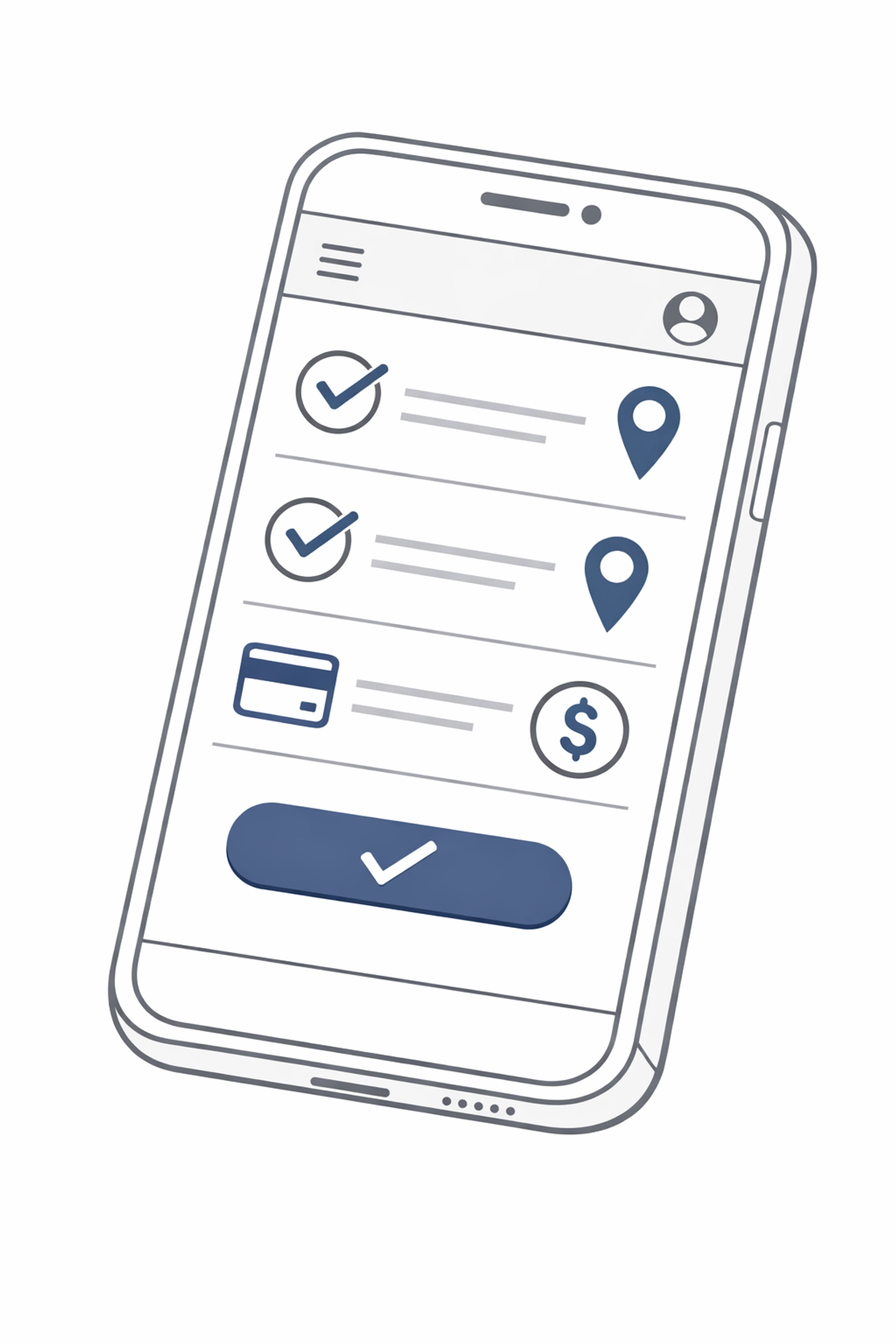
Techs can access full job history, create invoices with pre-loaded flat-rate pricing, capture before-and-after photos, and collect payments: all from their phones. The app syncs in real time, so dispatchers see updates as they happen.
For field-heavy operations, this is critical. Your techs aren't paper-shuffling at the end of the day. They're closing jobs on-site, collecting signatures digitally, and moving to the next call.
Customer Communication Is Automated
ServiceTitan sends automated texts when techs are en route, follow-up emails after service calls, and reminder notifications for outstanding estimates. This kind of automation improves customer experience without adding admin workload.
One user noted that estimate follow-ups alone increased conversion rates because customers weren't falling through the cracks.
Reporting Is Robust
You get dashboards that show revenue per tech, job profitability, call booking rates, inventory turns, marketing ROI, basically every operational metric you'd want to track. For owners who've been running on gut instinct and end-of-month QuickBooks summaries, this visibility is game-changing.
Optional Add-Ons Extend Functionality
ServiceTitan offers modular add-ons like Scheduling Pro (online booking with real-time availability) and Price Book Pro (flat-rate pricing tools that reduce quoting errors). If your operation needs specific features, you can layer them in without switching platforms.
The Not-So-Good Stuff: Where ServiceTitan Falls Short
Onboarding Is a Beast
ServiceTitan is complex. Setup isn't something you knock out over a weekend. You're migrating customer data, configuring price books, training your entire team, and rebuilding workflows to match the platform's logic.
Multiple users report needing weeks: sometimes months: to get fully operational. One review mentioned hiring three full-time employees just to fix data transition issues. That's not a software problem; it's a reality check. If you're moving from spreadsheets or a simpler FSM, expect a steep learning curve.

Customer Support Is Hit-or-Miss
Some users rave about ServiceTitan's support. Others describe it as "beyond terrible," with response times stretching to a week. When you're mid-implementation or dealing with a field emergency, waiting seven days for a ticket reply isn't acceptable.
The inconsistency suggests support quality depends on your rep, your tier, or just luck. That's frustrating when you're paying premium prices.
Showroom and Custom Estimates Are Clunky
If your business involves showroom sales or highly customized project estimates (think kitchen remodels or complex commercial bids), ServiceTitan's tools feel limited. The platform excels at high-volume service calls with standardized pricing, but it's not built for long-tail project management.
Service Agreement Migrations Can Be Messy
Transferring existing maintenance agreements or contracts into ServiceTitan during onboarding is reportedly confusing. If you've got hundreds of recurring service plans, plan for extra time and double-checking.
The Pricing Reality: What You'll Actually Pay
ServiceTitan uses per-technician pricing with three tiers: Starter, Essentials, and The Works. But here's the catch: pricing isn't public. You have to request a quote, and your final cost depends on how many techs you have, which add-ons you need, and how aggressively their sales team wants to close your deal.

Users consistently describe it as "pricey" and "expensive." Add-ons like Scheduling Pro, Price Book Pro, and the call answering service stack up fast. One user reported billing issues with the call answering add-on: difficulty canceling and ongoing charges despite repeated requests.
The hidden costs aren't just dollars. They're also time: implementation time, training time, and the operational disruption of switching systems mid-season.
Bottom line: If you're a 2-truck operation doing 10 calls a week, ServiceTitan is overkill. If you're scaling past 5 trucks and tired of duct-taping systems together, the investment might pay off: but only if you're prepared to commit to the full onboarding process.
Who Should Actually Use ServiceTitan
ServiceTitan is built for growing home service companies ready to standardize operations. If you're at the point where your dispatch board is a whiteboard, your invoices are handwritten, and your biggest bottleneck is "Tim forgot to log the call," you're not ready for ServiceTitan. You need simpler tools first.
But if you've got 5+ trucks, recurring revenue streams, inventory to manage, and a team that's outgrowing your current system, ServiceTitan can move you from chaos to control. The key word is ready. Ready to invest time. Ready to train your team. Ready to pay for premium software.
The platform works best when you treat it like a long-term operational investment, not a quick fix.
The Real Question: Is ServiceTitan Right for Your Operation?
ServiceTitan is powerful. It's also expensive, complex, and demands real commitment. The companies that succeed with it are the ones that approach implementation like a business process audit: mapping current workflows, identifying inefficiencies, and designing the system to fix those gaps.
If you're evaluating ServiceTitan (or any FSM), the first step isn't signing up for a demo. It's understanding what you actually need. That's where operations consulting for small business makes the difference. Before you drop five figures on software, invest a fraction of that in mapping your bottlenecks, auditing your workflows, and building a systems strategy.
At Sentric Group, we help home service companies figure out what tools make sense for their stage of growth: and how to implement them without blowing up operations in the process. Whether ServiceTitan is the right fit or if something simpler will get you 80% of the value at 20% of the cost, we'll walk you through it.
Ready to stop guessing and start building operations that scale? Let's talk.