
Published: February 23, 2026
Author: Tim, Sentric Group
If you're running an HVAC, plumbing, or electrical company, chances are you've heard the advice a thousand times: "You need to be on QuickBooks." And honestly? That advice is solid. QuickBooks Online has been the gold standard for service business accounting for years, and for good reason.
But here's the thing most people won't tell you: QuickBooks is incredible at what it does: keeping your books straight: but it's not built to run your field operations. It won't dispatch your trucks, track your technicians, or tell you which jobs are actually profitable in real time.
Let's break down what QuickBooks Online does brilliantly, where it falls short, and why pairing it with a dedicated field service management (FSM) tool is the setup that actually scales.
The Pros: What QuickBooks Online Does Best
It's the Standard for a Reason
When your CPA, banker, or tax advisor asks for your financials, they expect QuickBooks. The platform speaks the language of accountants, integrates seamlessly with payroll processors, and makes tax season significantly less painful. If you're planning to grow, sell, or bring on investors, having clean QuickBooks records isn't optional: it's table stakes.

Cloud Access Means Real-Time Visibility
Unlike the old desktop versions that locked you to one computer, QuickBooks Online lives in the cloud. You can check your cash position from your phone while you're at a job site, your bookkeeper can reconcile accounts from home, and your accountant can log in directly without you emailing spreadsheets back and forth.
For service businesses with owners who are constantly in the field, this mobility matters. You're not chained to your office desk to know if a check cleared or if a customer paid their invoice.
Invoicing and Payment Processing That Actually Works
QuickBooks Online handles the billing side well. You can create professional invoices, send automatic payment reminders, accept credit card payments online, and convert estimates to invoices with a few clicks. If your business model is straightforward: time and materials, flat-rate services, simple invoicing: QuickBooks covers it.
The payment integrations are solid too. Customers can click a link and pay immediately, which speeds up your cash cycle. For smaller service companies doing 10-20 jobs a week, this workflow is often enough.
Expense Tracking That Syncs With Your Bank
QuickBooks connects directly to your business bank accounts and credit cards, automatically importing transactions. You can snap photos of receipts with the mobile app, categorize expenses on the go, and maintain a clean audit trail without drowning in paperwork.
This is particularly useful for service businesses where your team is constantly buying parts, grabbing supplies, or filling up trucks. Instead of chasing down receipts at month-end, you're capturing them in real time.
Reporting That Satisfies Your Accountant
The reporting suite in QuickBooks Online is robust. Profit and loss statements, balance sheets, cash flow reports: all generated with a click. You can customize reports, schedule them to email automatically, and drill down into specific transactions when something looks off.
For service companies trying to understand their financial health, these reports provide clarity. You'll know your revenue, your expenses, and your bottom line.
The Cons: Where QuickBooks Falls Short for Service Businesses
Zero Job Costing or Project Profitability Tracking
Here's where QuickBooks starts to show its limits. The platform doesn't offer real job costing. You can track income and expenses by customer, but you can't easily see which specific jobs made money and which ones bled cash.
If you're running an HVAC company doing both service calls and full system installs, you need to know: Did that residential AC replacement make you money after labor, materials, and overhead? QuickBooks can't answer that without significant manual workarounds.

No Dispatch, Scheduling, or Field Coordination
QuickBooks doesn't help you run your field operations. It won't schedule your technicians, optimize routes, assign jobs based on skill sets, or update customers with real-time ETAs. If you're managing more than a couple of trucks, you're left juggling whiteboards, text threads, or separate scheduling apps that don't talk to your accounting system.
This disconnect creates data entry nightmares. Your techs finish jobs, you manually enter them into QuickBooks for invoicing, and then you reconcile payments later. The lack of integration slows everything down.
Time Tracking Costs Extra and Isn't Built for Field Teams
QuickBooks Online does offer time tracking, but it's a $40-50/month add-on. Even then, it's clunky for field teams. Your technicians aren't going to log into QuickBooks to clock in and out: they need a mobile-first solution that captures labor hours, job details, and parts used all in one place.
For service companies where labor costs are your biggest expense, inadequate time tracking means you're guessing at profitability.
Tiered Pricing That Gets Expensive Fast
The entry-level QuickBooks Online plan is affordable, but it's barebones. If you need project tracking, advanced reporting, or more than a handful of users, you're forced into higher-tier plans that cost $100+ per month. Add payroll, time tracking, and payment processing fees, and the real cost climbs quickly.
For a growing service business, those costs add up: and you're still not getting the operational tools you actually need to run your trucks and crews.
Limited User Access Without Upgrading
The lower-tier plans cap you at 1-5 users. If you want your office manager, bookkeeper, project manager, and accountant all to have access, you're stuck paying for the Advanced plan, which supports up to 25 users. For lean service businesses trying to keep overhead low, this feels punitive.
Why Service Businesses Need Both QuickBooks AND an FSM Tool
Here's the reality: QuickBooks Online is essential for keeping your books clean, but it's not designed to run your field operations. Service companies that try to force QuickBooks to do everything end up with messy workflows, manual data entry, and zero visibility into real-time profitability.
The winning setup? Pair QuickBooks with a dedicated FSM tool like Jobber, Housecall Pro, or ServiceTitan.
Your FSM handles the front lines: dispatch, scheduling, mobile invoicing, job tracking, customer communication, and technician workflows. Then, at the end of each day, your FSM syncs completed jobs, invoices, and payments directly into QuickBooks. Your books stay accurate without anyone manually re-entering data.
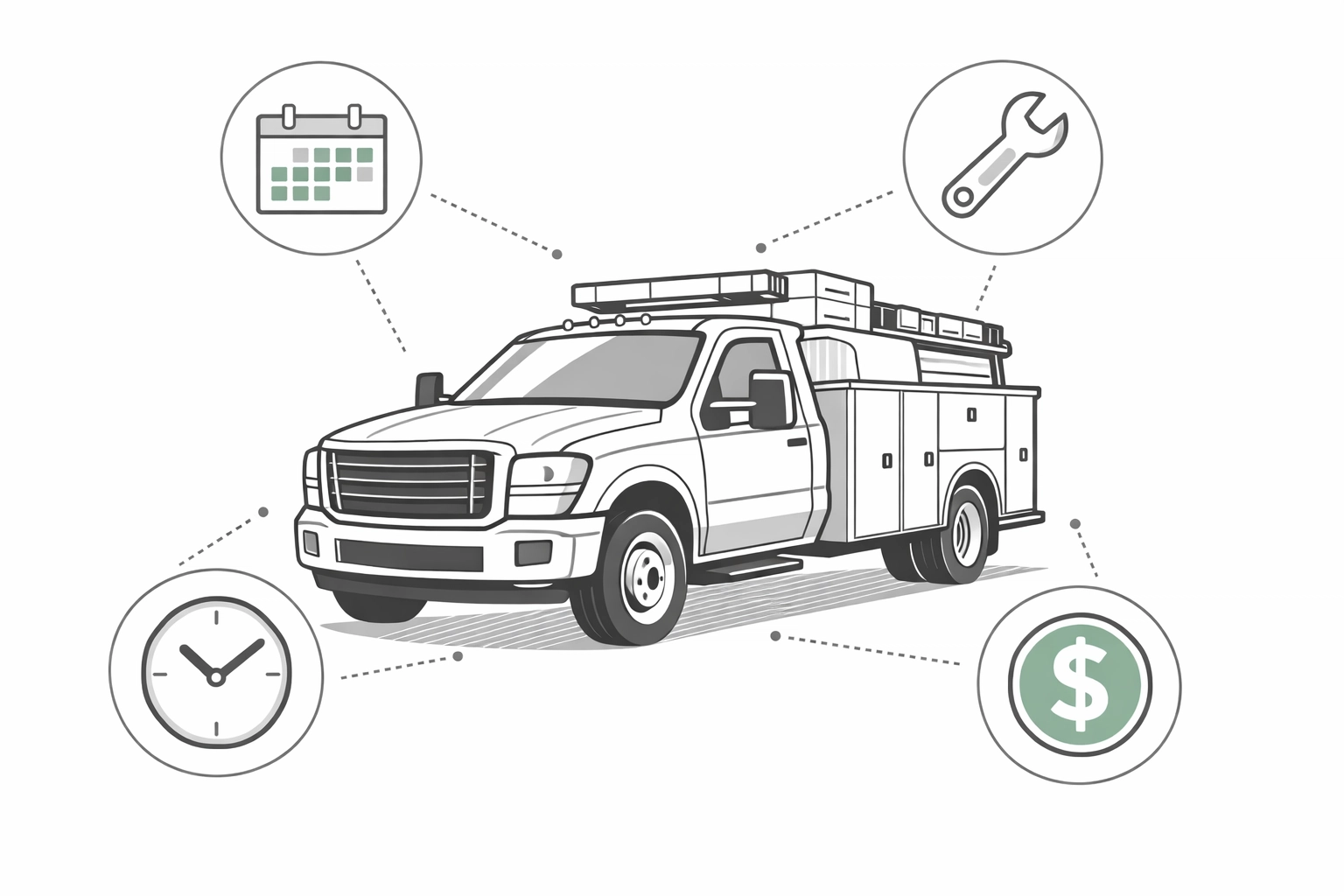
This integration gives you the best of both worlds: operational control in your FSM and financial clarity in QuickBooks. You can see which technician completed which job, what parts were used, what labor hours were billed, and whether that job was profitable: all while maintaining clean accounting records for tax time.
The Dashboard Problem: Data Without Insight
Even with QuickBooks and an FSM running together, most service business owners still struggle with one critical gap: real-time visibility.
You've got data scattered across multiple systems: job completion rates in your FSM, financial summaries in QuickBooks, labor hours in a time tracker, and marketing performance somewhere else entirely. You need to manually pull reports, compare numbers, and try to spot trends before they become problems.
This is where kpi dashboard consulting makes a difference. A well-designed dashboard pulls data from all your systems into one place, giving you a live view of the metrics that actually matter: revenue per truck, job completion rates, average ticket size, technician utilization, and cash flow.
Instead of spending your Saturday mornings trying to figure out if you're on track for the month, you log in and see it instantly.
If you're ready to move beyond guesswork and build a system that gives you clarity, consider working with dashboard consulting services that specialize in service businesses. The right consultant understands how QuickBooks, your FSM, and your operational data should flow together: and they'll build you a dashboard that actually tells you what's working and what's not.
The Bottom Line
QuickBooks Online is non-negotiable for service businesses. It keeps your books clean, your accountant happy, and your financial records audit-ready. But it's not an operational tool.
If you're running a service company with multiple trucks, crews, and jobs happening simultaneously, you need a dedicated FSM to handle dispatch, scheduling, and real-time job tracking. Then, let that FSM sync with QuickBooks so your accounting stays accurate without the manual labor.
And if you want to level up even further? Build a dashboard that shows you the full picture: not just what happened last month, but what's happening right now.
You've got the tools. Now build the system.
Explore how Sentric Group helps service businesses connect their data and scale with clarity.