
You've added two more trucks. The phones won't stop ringing. Your office manager is drowning in spreadsheets, your techs are asking "Where am I going next?", and you're still manually writing invoices at 9 PM on a Tuesday.
Before you throw another software subscription at the problem, let's talk about Jobber: the field service tool that 78% of small teams (2–50 employees) swear by. It's not the flashiest. It's not built for enterprise juggernauts. But if you're running a tight crew and need to get organized fast, it might be the exact tool you've been missing.
Here's what it actually does, where it wins, and where it falls short.
What Jobber Actually Solves
Jobber isn't trying to be everything to everyone. It's built for one thing: getting small service teams out of administrative chaos and back to doing the work that pays.
At its core, it consolidates three daily headaches into one platform:
- Scheduling and dispatch (who goes where, when, and with what equipment)
- Quoting and invoicing (turning estimates into approved jobs and collecting payment)
- Client communication (reminders, confirmations, follow-ups: all automated)
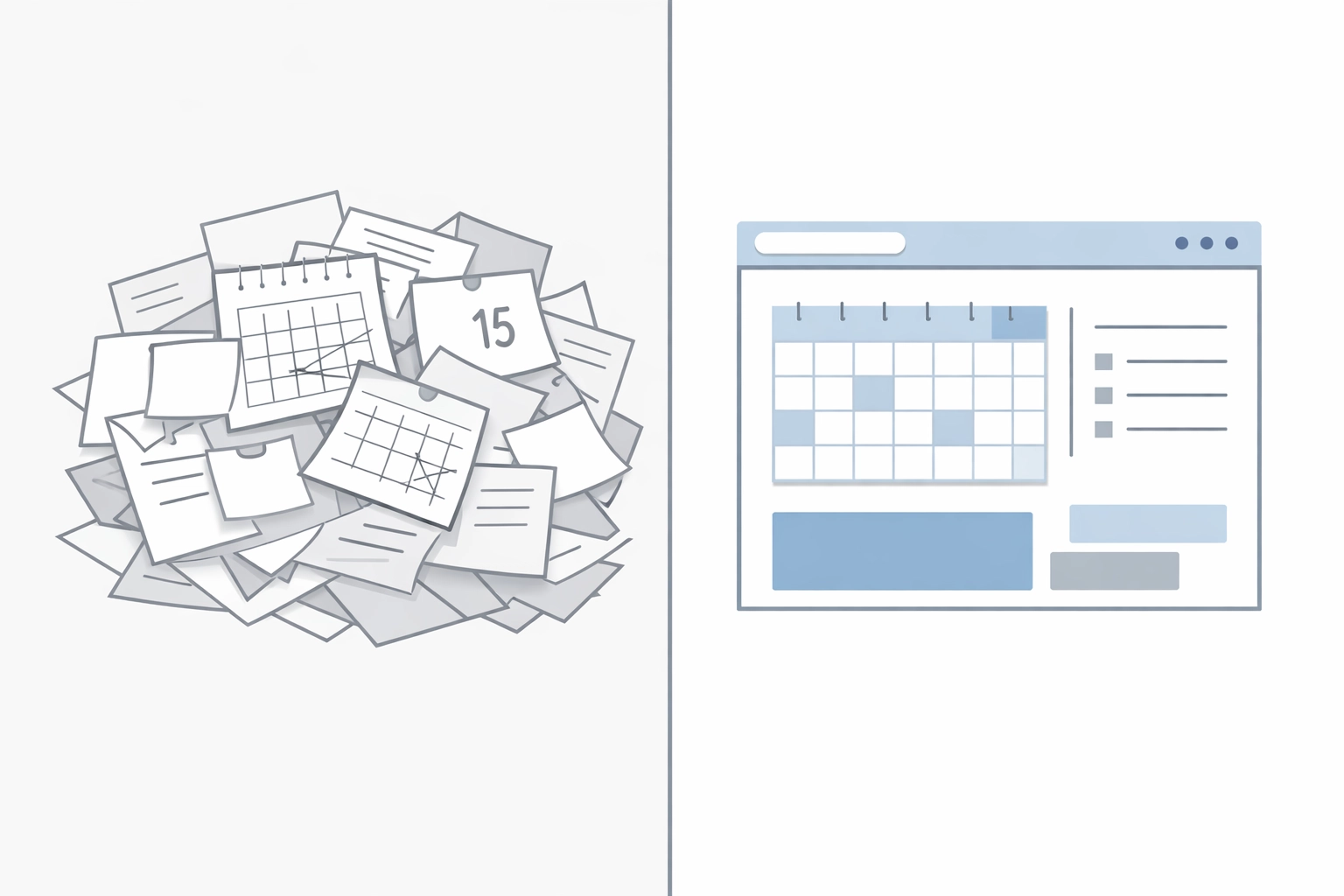
Most small teams are juggling a dozen disconnected tools: Google Calendar for scheduling, QuickBooks for invoicing, a physical clipboard for job notes, and text messages to confirm appointments. Jobber replaces that stack with a single login.
The result? Users report saving an average of 12+ hours per week: time that used to disappear into phone tag, paper trails, and "Can you resend that invoice?" requests.
The Free Core That Changes Everything
Here's where Jobber breaks from the pack: the core platform is free.
Most field service software charges per user. Add three techs, and your monthly bill triples. Jobber flips that model. You get unlimited user logins at no cost. The only charges come from:
- AI minutes (if you use the smart quoting features)
- Payment processing (standard rates when clients pay online)
For a crew of five, that's the difference between a $300/month software bill and closer to $50–$75 (depending on volume). It's not a trick: it's just a different business model.
That pricing structure makes Jobber especially attractive for seasonal operations (landscaping, snow removal) where you're hiring temp crews in peak months. You don't pay extra to onboard them into the system.
Where Jobber Actually Shines
Drag-and-Drop Scheduling That Doesn't Require a PhD
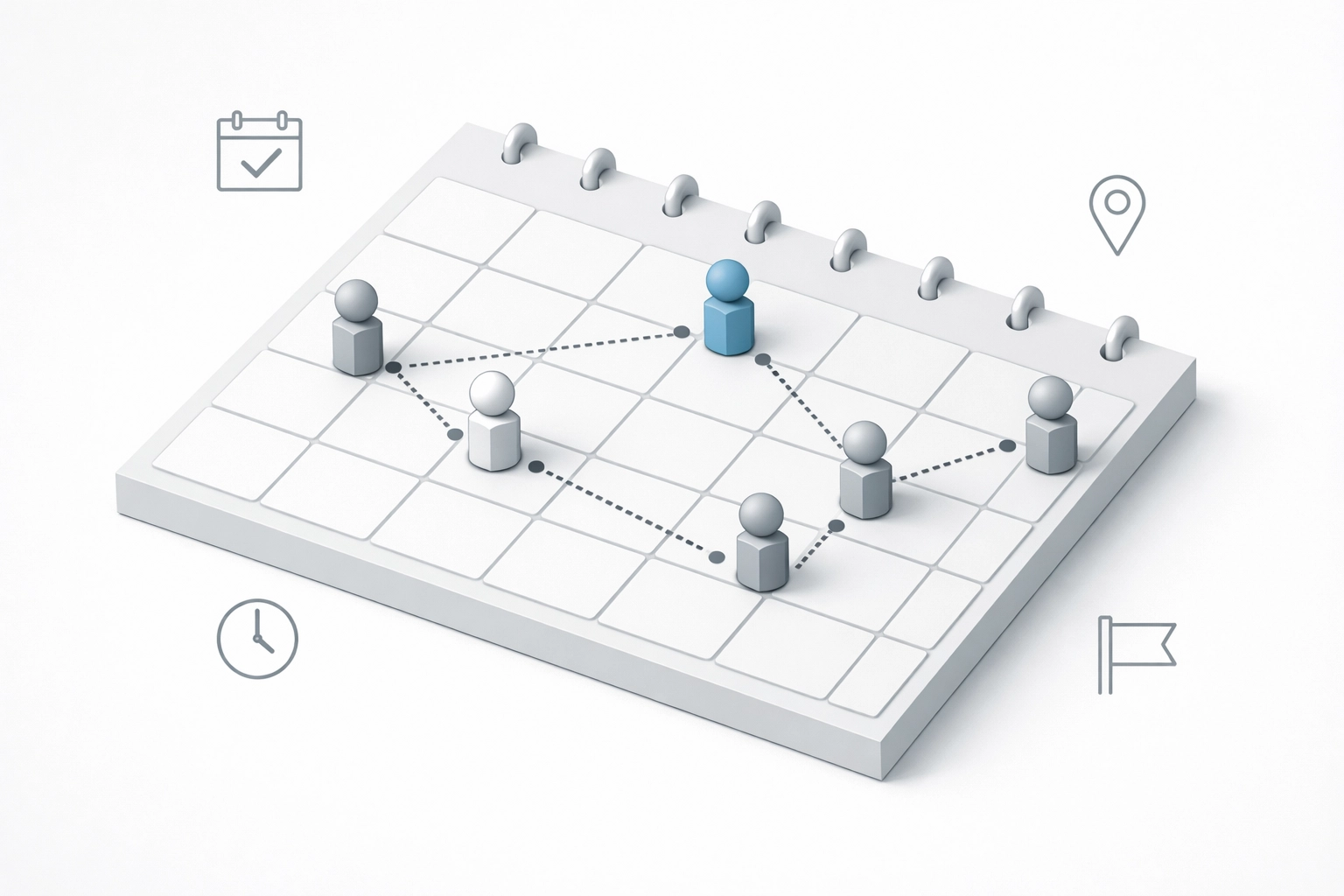
Jobber's calendar view is the centerpiece. Your office manager sees every tech, every job, and every time slot in one screen. Need to reschedule a two-hour HVAC repair because the client called in sick? Drag it. Done.
The system shows:
- Real-time crew availability
- Travel time between jobs
- Recurring appointments (weekly lawn mowing, biweekly cleanings)
- Job status updates (dispatched, en route, completed)
And because it syncs with mobile, your techs see their updated schedule the moment you make a change. No more "I didn't get the text" or "I thought I was going to the Wilson job."
The GPS tracking is a quiet game-changer. You're not micromanaging: you're optimizing. If a job finishes early and you've got an emergency call nearby, you can see which tech is closest and reroute in seconds.
Quote-to-Payment in Three Clicks
Here's the workflow that saves small teams the most time:
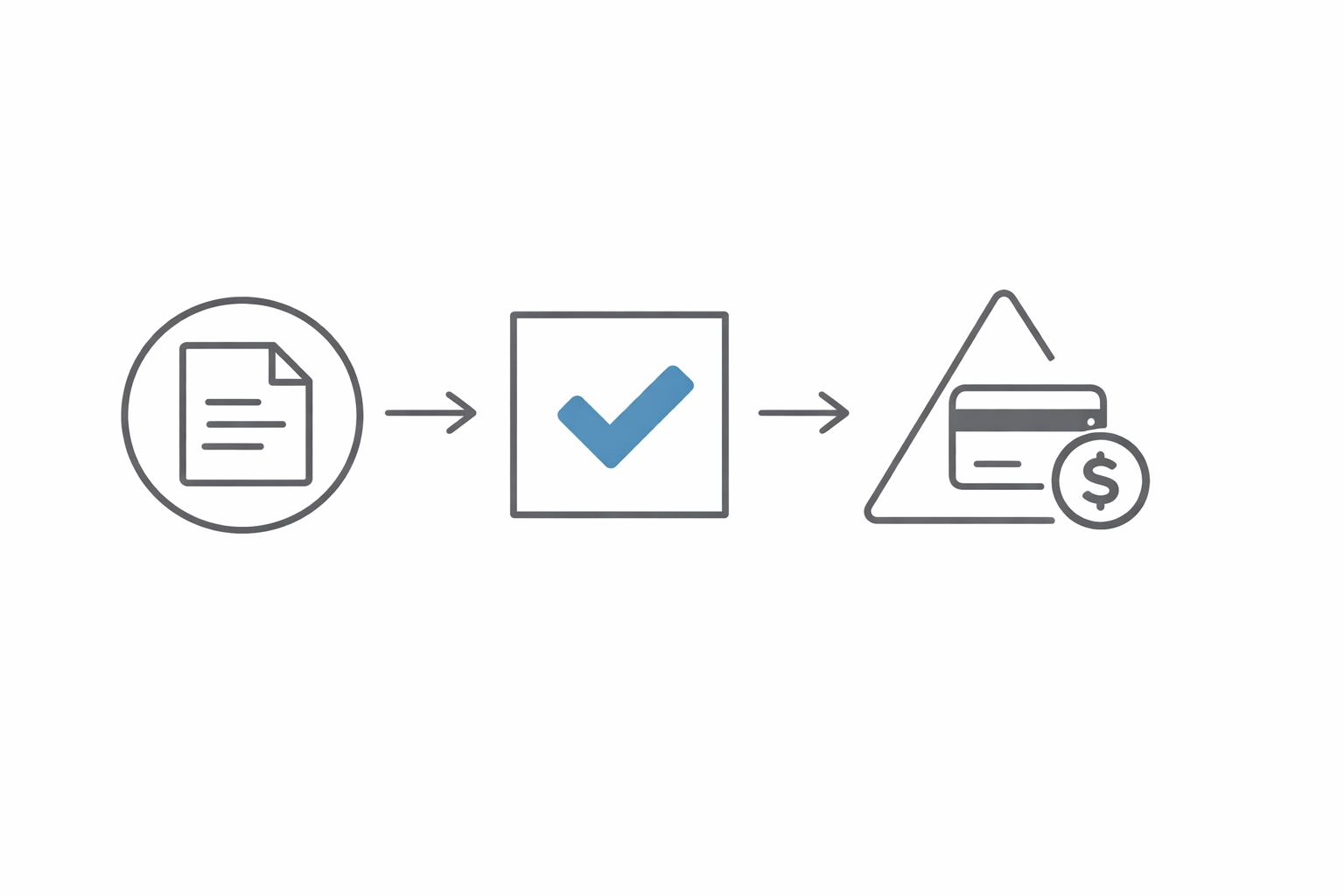
- Create a quote on-site or in the office (customizable line items, photos, terms)
- Client approves via email or text link (no printing, signing, scanning)
- Convert to invoice with one click, send it, and collect payment online
For recurring work: think weekly landscaping routes or monthly HVAC maintenance contracts: Jobber's batch invoicing feature is a lifesaver. Instead of manually generating 40 invoices at the end of the month, you queue them all and hit "send."
Clients can pay via card, ACH, or (with the latest update) tap-to-pay directly in the field. Faster payment collection means better cash flow, which for a small team can be the difference between making payroll on time or sweating it out.
Client Communication You Don't Have to Think About
Jobber sends automatic:
- Appointment confirmations (24 hours before the job)
- "On my way" notifications (when the tech is 15 minutes out)
- Payment reminders (for overdue invoices)
- Review requests (after the job is completed)
You set it once, and it runs in the background. Your clients feel taken care of. You're not texting 30 people manually every morning.
The AI Angle: Smarter Quoting Without the Overhead
Jobber rolled out AI-powered quoting in the past year, and it's quietly impressive: not because it's flashy, but because it learns your pricing style.
Feed it a few completed jobs, and the AI suggests line items, labor hours, and pricing based on:
- Historical data from similar jobs
- Your markup preferences
- Seasonal demand trends (if you've got the data)
It also flags upsell opportunities. If you're quoting a furnace repair and the system sees that 70% of similar jobs also included a duct cleaning, it'll prompt you to add it.
This isn't automation for automation's sake: it's about helping techs and estimators quote faster and more consistently, especially when the owner isn't around to double-check every number.
Where Jobber Falls Short
Let's be honest: Jobber is a management tool, not an end-to-end automation platform.
If you're looking to build custom workflows that integrate with 15 other systems, orchestrate complex approval chains, or automate multi-department handoffs, Jobber isn't built for that. It's designed to manage jobs, not to replace your entire operations stack.
Inventory tracking is another weak spot. You can log parts used on jobs, but it's basic. If you're running a warehouse with 500 SKUs and need real-time reorder alerts, you'll need to sync Jobber with something like QuickBooks or a dedicated inventory system.
And while the mobile app is solid, some users report occasional sync delays in areas with spotty cell coverage. If your techs are working in rural zones, that's something to test during a trial.
Who Should Actually Use Jobber
Jobber hits the sweet spot for:
- Teams of 2–50 employees (beyond that, you might outgrow it)
- Recurring service models (landscaping, cleaning, pest control, pool maintenance)
- Businesses transitioning from paper/spreadsheets (the learning curve is gentle)
- Owners who want more time in the field, less time behind a desk
It's especially strong for trades where dispatching efficiency directly impacts profit margins. If your techs are driving between six jobs a day, shaving 20 minutes off each route adds up fast.
The Real Question: Is Jobber Enough?
Here's where most service businesses get stuck. Jobber handles scheduling and invoicing beautifully. But it doesn't replace your accounting system, your marketing automation, your inventory tracking, or your CRM.
So you're still logging into QuickBooks. You're still manually exporting data to send to your bookkeeper. You're still copying client info between platforms.
That's not Jobber's fault: it's just the reality of running operations at scale. One tool rarely solves everything.
The bigger opportunity isn't picking the "perfect" software. It's designing a system where your tools actually talk to each other. Where a completed job in Jobber automatically triggers an invoice in QuickBooks, updates your CRM, and queues a follow-up email: all without you touching it.
That's what workflow automation consulting looks like in practice. It's not about replacing Jobber. It's about wrapping the right processes around it so your team isn't stuck copying data between screens.
The Bottom Line
Jobber is excellent at what it does: organizing small service teams so they can stop drowning in admin work and start growing sustainably.
It's affordable. It's intuitive. And for most crews under 50 people, it solves 80% of the daily chaos.
But if you're scaling past that point: or if you're realizing that no single tool is going to fix the deeper workflow gaps in your business: it's time to step back and look at the bigger picture.
Because the real leverage isn't in finding one perfect app. It's in building a system where all your tools work together, automatically, so you're not the bottleneck anymore.
That's where business automation services come in. Not to replace what's working. But to connect the pieces so your operations finally run themselves.
Running a service business that's outgrowing its systems? We help operations teams design workflows that actually scale: without adding headcount or complexity. Let's talk about what's slowing you down.