
Your office manager spends three hours every morning entering invoice data. Your dispatcher manually logs job details from field tech emails. Someone on your team re-keys customer information from PDFs into ServiceTitan. Every single day.
Manual data entry isn't just tedious: it's a hidden tax on your business. Studies show that manual document handling wastes upwards of 400 hours per employee annually. For a growing HVAC or plumbing company, that's thousands of dollars in labor and countless opportunities for errors that ripple through dispatch, billing, and customer service.
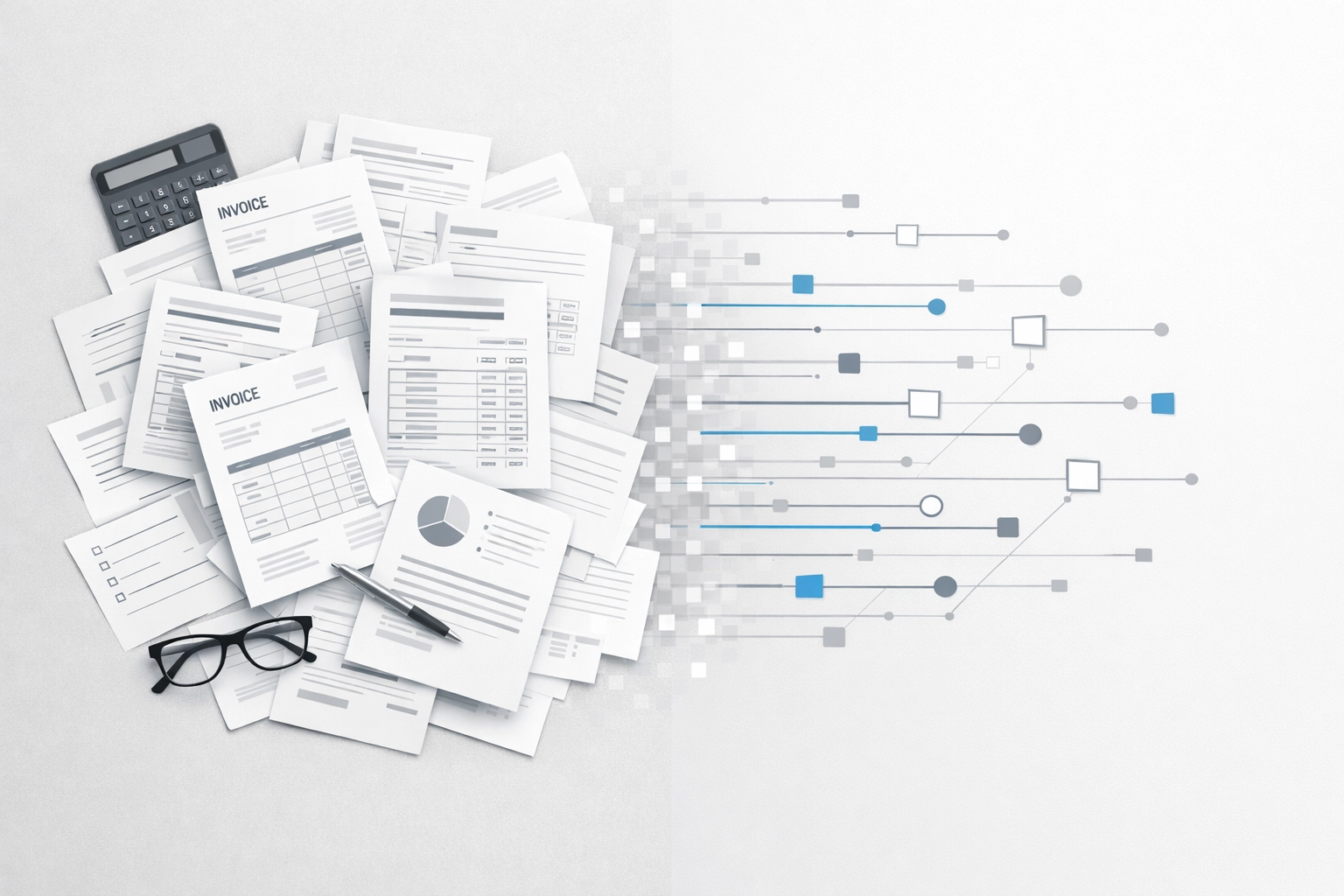
Automated document readers eliminate this burden entirely. Using AI and optical character recognition (OCR), these systems digitize, extract, and process data from emails, PDFs, photos, and scanned documents without human intervention. The result? Companies implementing document automation report up to a 98% reduction in administrative tasks.
What Automated Document Readers Actually Do
Think of document readers as intelligent assistants that never sleep. They monitor your inboxes, watch for incoming documents, and immediately extract the information you need: customer names, addresses, job details, invoice amounts, part numbers.
Unlike basic OCR software that just converts images to text, modern document readers use machine learning and natural language processing to understand context. They know the difference between a service address and a billing address. They can pull line items from a supplier invoice and match them to your inventory system. They recognize patterns in your documents and get smarter over time.
For service businesses, this means:
- Vendor invoices automatically logged and categorized
- Customer emails parsed for job requests and details
- Field tech photos converted to structured data
- Permit documents indexed and filed by job number
- Equipment manuals digitized and searchable
The technology handles both structured documents (forms, invoices, purchase orders) and unstructured formats (emails, contracts, handwritten notes). If your team touches it, a document reader can probably process it.
How the Technology Works Behind the Scenes
Automated document readers combine several technologies that work in sequence:
OCR captures the text. When a document arrives: whether it's a scanned invoice or a photo from a job site: OCR technology identifies and extracts every character. Modern OCR handles poor image quality, handwriting, and various file formats with surprising accuracy.
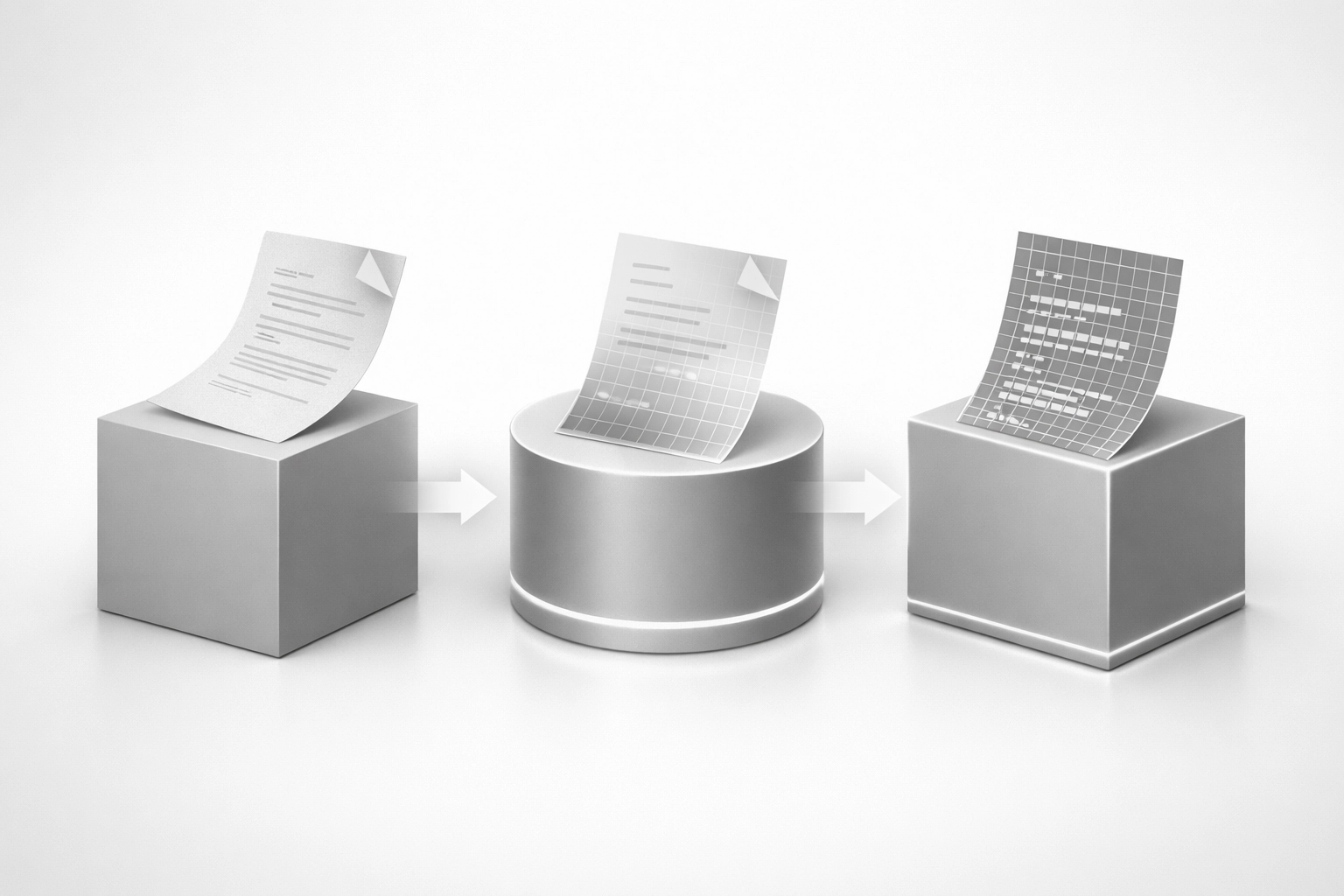
Machine learning recognizes patterns. The system doesn't just read text; it learns what matters. After processing your first hundred invoices, it knows where to find vendor names, amounts, and line items. It understands your document types and adapts to your formats.
Natural language processing extracts meaning. NLP allows the system to interpret less structured content like emails and reports. When a customer emails "Can someone come look at my furnace? It's making a grinding noise," the reader identifies the service request, equipment type, and symptom: all without human translation.
AI validates and routes data. The final layer checks extracted information for accuracy, flags anomalies, and automatically routes data to the right destination. Invoice to accounting. Job request to dispatch. Permit to the project file.
This all happens in seconds. A document that would take a person five minutes to process gets handled in under ten seconds, accurately, every time.
The Real Cost of Manual Processing
Before we talk about time saved, let's talk about what manual processing actually costs your business.
First, there's the obvious labor expense. If an admin spends 15 hours per week on data entry at $25 per hour, that's $19,500 annually just for the typing. But the hidden costs are worse.
Errors compound across systems. A transposed number in an invoice entry creates billing disputes. A missed detail in a job request leads to truck rolls without the right parts. A misfiled permit delays a project. Each error requires time to identify, correct, and follow up: often costing more than the original entry would have.
Delays create bottlenecks. Documents waiting for manual processing create queues. Customer requests sit in inboxes. Invoices don't get entered until "Sarah has time." Field techs wait for dispatch to log their completed jobs. These delays slow your entire operation and frustrate customers.
Teams can't scale. As your business grows, manual processing doesn't keep pace. You can't just hire your way out: each new admin requires training, supervision, and creates more coordination overhead. The processes that worked at 3 trucks break at 10 trucks.
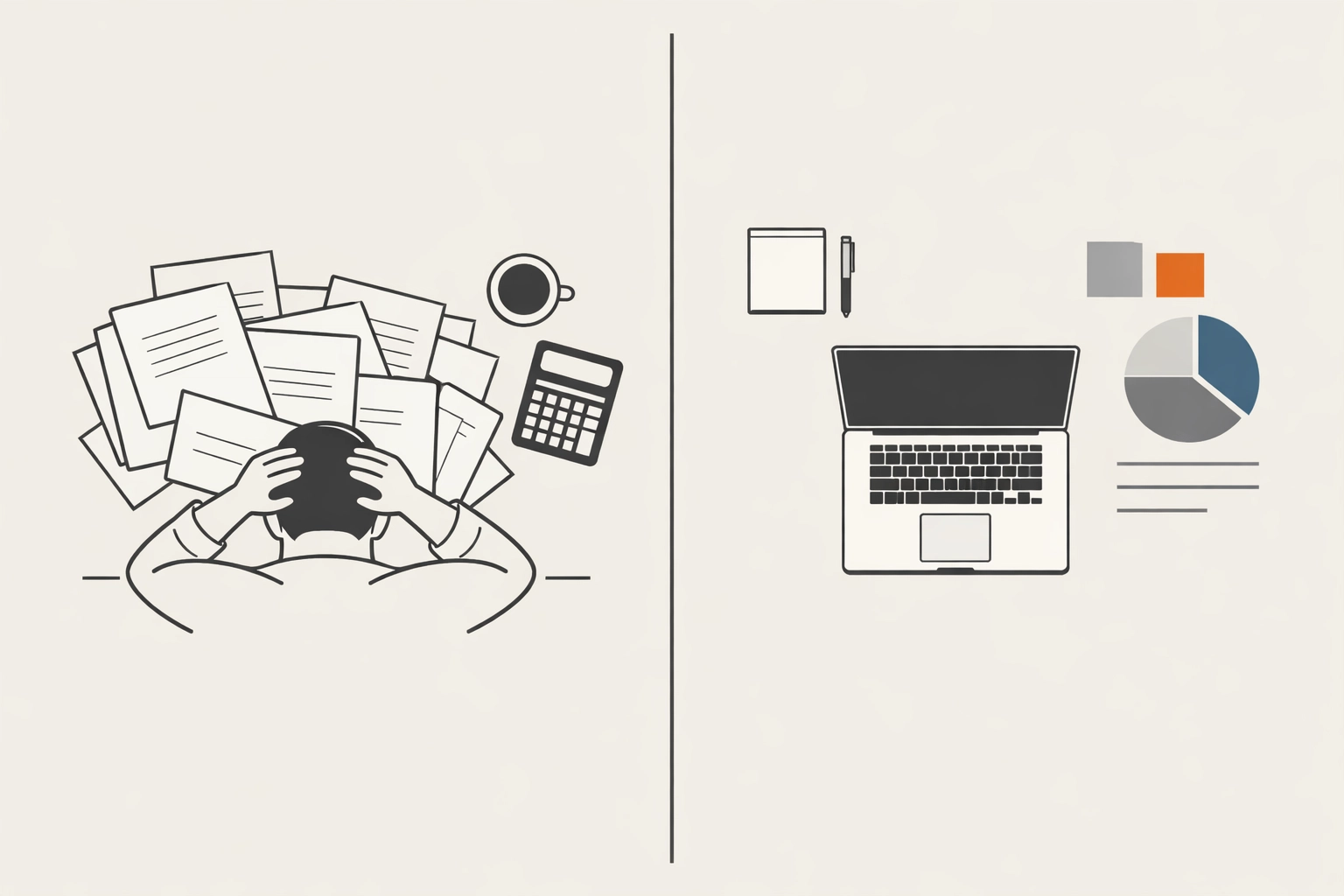
Organizations that implemented document automation reported an 80% decrease in labor needs for document processing, a 30% gain in overall efficiency, and cost savings exceeding $100,000. For service businesses operating on tight margins, that math changes everything.
The 98% Reduction: What Changes in Practice
When we implement automated document readers for service businesses, we see a 98% reduction in manual administrative tasks. Here's what that actually means on the ground:
Morning inbox processing drops from 2 hours to 5 minutes. Instead of reading emails, copying information, and entering it into your system, your team reviews a dashboard of already-processed requests, ready for dispatch.
Invoice management becomes automatic. Vendor invoices arrive via email, get automatically entered into your accounting system with correct cost codes, and queue for approval. Your bookkeeper reviews rather than re-keys.
Field data flows without office intervention. Photos from job sites get automatically attached to the right job record. Equipment serial numbers captured in images get extracted and logged. Completed work orders update your system without anyone touching a keyboard.
Customer communication accelerates. Service requests get acknowledged and triaged in minutes, not hours. Customers receive automated confirmations with accurate details because the system read and understood their original request.
Compliance documentation happens in the background. Permits, inspections, and certifications get automatically filed by job and date. When you need to prove compliance, the documents are already indexed and searchable.
The 2% that remains? High-judgment decisions that genuinely need human attention. Everything else runs automatically.
Implementation: Simpler Than You Think
The barrier to document automation used to be complexity and cost. Modern solutions have eliminated both.
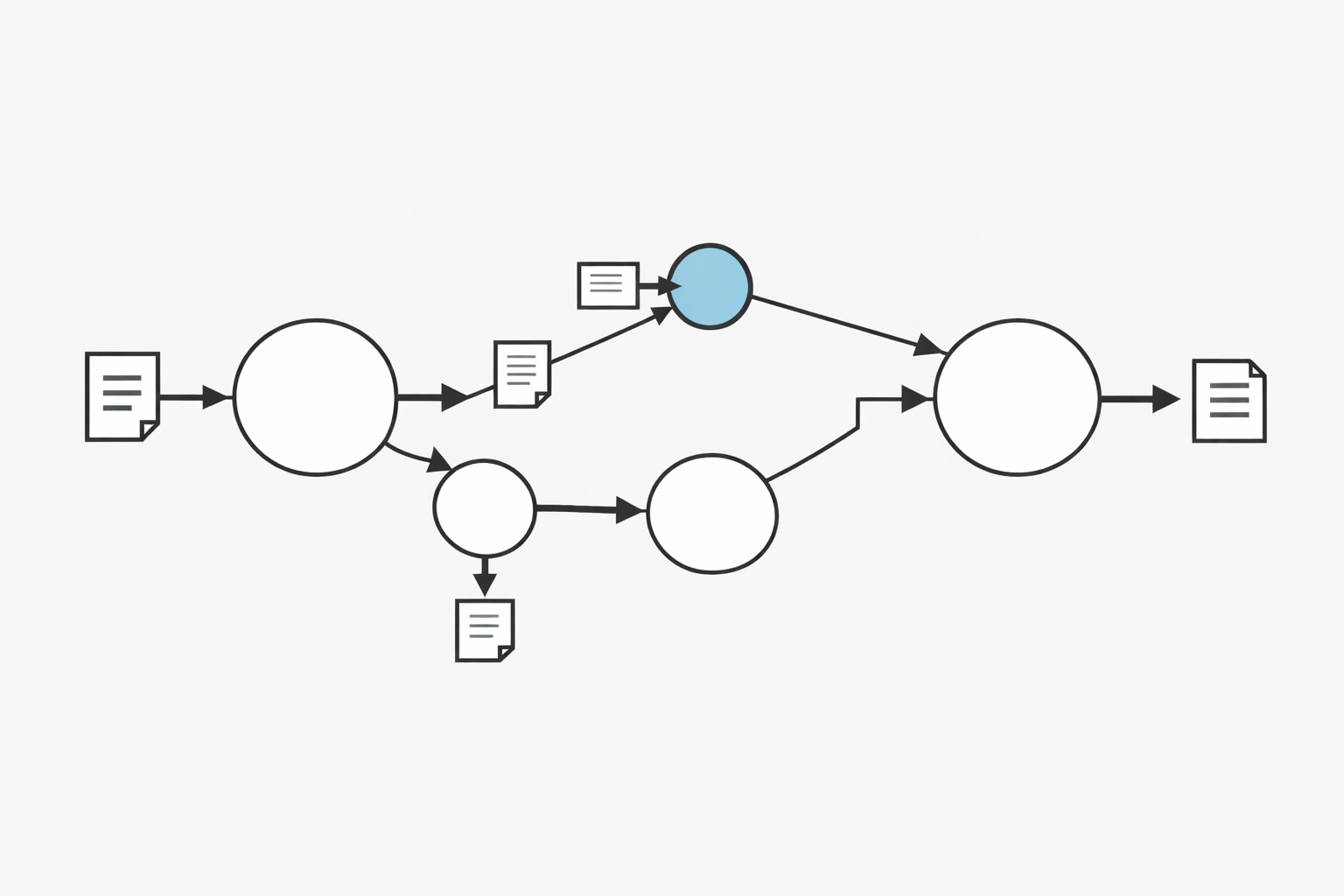
Cloud-based document readers integrate with the tools service businesses already use: ServiceTitan, Jobber, Housecall Pro, QuickBooks. Setup involves connecting your email, defining your document types, and training the AI on a sample of your documents. Most systems reach high accuracy within days.
The technology handles multi-location operations naturally. Documents get processed regardless of which office, truck, or field location they originate from. Remote teams access the same digitized information as headquarters.
And because these systems learn continuously, they improve over time. The accuracy in month six exceeds month one. The types of documents they can handle expand. The exceptions requiring human review decrease.
What This Means for Your Growth
Document automation isn't about replacing people: it's about redirecting their energy toward work that actually grows your business.
When your office manager stops typing invoices, they can focus on vendor negotiations and process improvements. When your dispatcher isn't logging emails, they can optimize routes and improve tech utilization. When your bookkeeper isn't re-keying data, they can analyze margins and identify profit opportunities.
For service businesses trying to scale past 5-10 trucks, automated document readers eliminate one of the biggest operational bottlenecks. Your systems process work faster than you can hire and train people to do it manually. That's the leverage that enables sustainable growth.

Moving Beyond Manual Processing
The companies that scale successfully aren't the ones with the most people entering data: they're the ones that eliminated data entry as a bottleneck entirely.
Automated document readers represent a fundamental shift from labor-intensive administration to intelligent automation. They don't just save time; they create operational leverage that compounds as you grow.
Is your team still manually processing documents that could be automated? Before you hire another admin to keep up with the paperwork, consider whether the actual solution is eliminating the paperwork burden altogether.
At Sentric Group, we build systems that remove administrative friction from service businesses. Our systems audit identifies where automation can eliminate manual work: including document processing: so your team can focus on delivering service and growing revenue.
The choice isn't between manual processing and expensive technology. It's between staying stuck in administrative quicksand or building systems that scale with your ambitions.
Sentric Group
Systems consulting for home services operators
Building clarity from chaos, one automated process at a time