
If you've ever spent Sunday night manually keying field invoices into QuickBooks while your tech team is already out on Monday morning calls, you know the pain. FieldEdge positions itself as the solution to that chaos: the one field service management tool that actually gets QuickBooks right.
But does it live up to the hype? Or is this "king of QuickBooks integration" title just good marketing for a dated platform?
Let's break down what FieldEdge does well, where it stumbles, and whether it's the right fit for your growing service business.
The QuickBooks Integration Promise
FieldEdge doesn't just claim to sync with QuickBooks: it claims to have invented the first full QuickBooks field service software integration back in 1999. They hold QuickBooks Platinum Partner status, which sounds impressive until you realize that several other platforms now make the same claim.
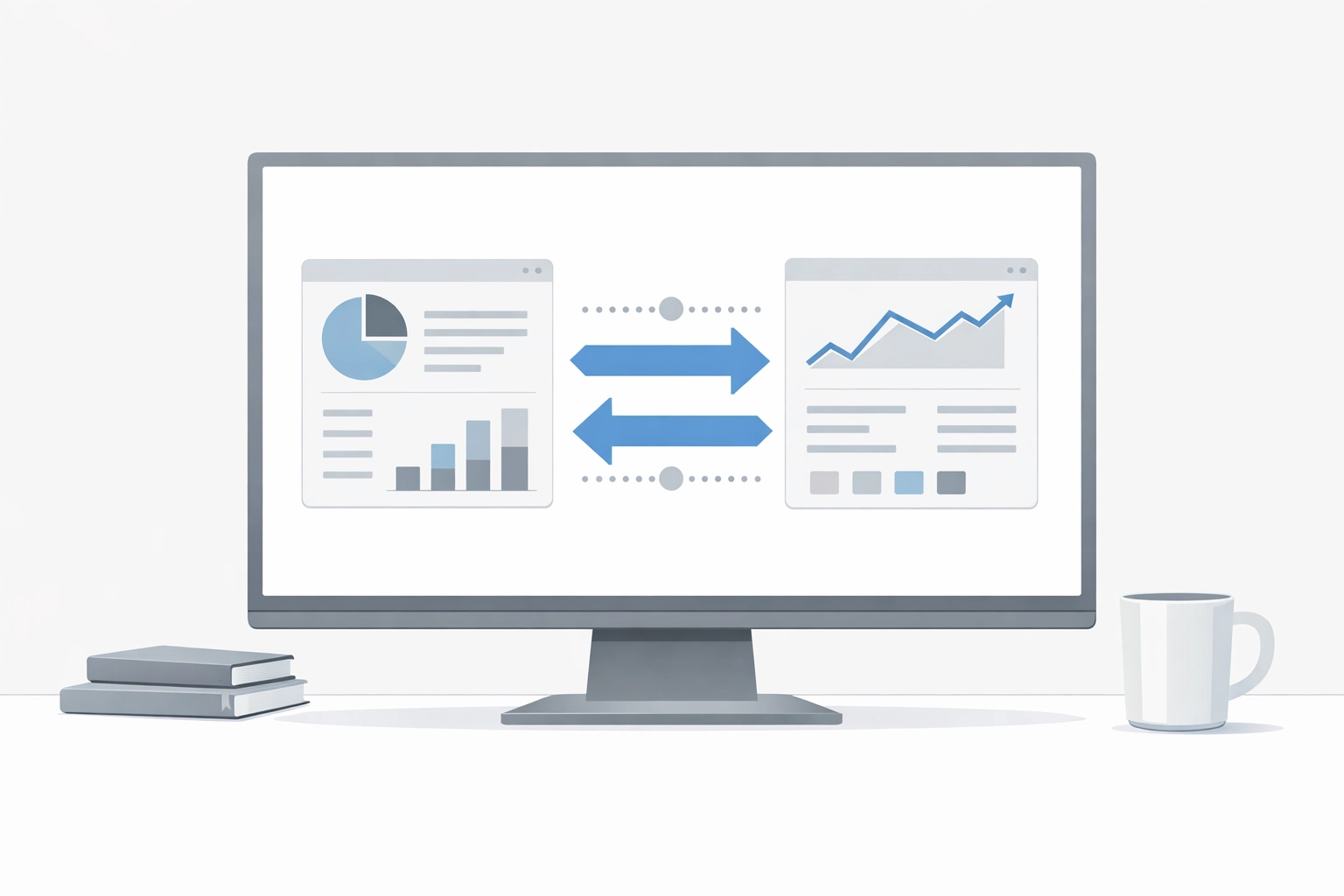
What sets FieldEdge apart from competitors like Jobber or Housecall Pro is real-time, two-way synchronization. Most field service tools batch-sync with QuickBooks once or twice a day. FieldEdge syncs continuously. Invoice a customer at 10:14 AM? It's in QuickBooks by 10:15 AM. Technician logs time in the field? It flows straight into your accounting system without a manual export.
This real-time sync can save office staff approximately 15-20 hours per week by eliminating manual data entry. For a growing HVAC, plumbing, or electrical company running 5-10 trucks, that time savings alone could justify the monthly cost.
The integration handles:
- Invoices and payments
- Customer data and contact updates
- Technician time entries
- Inventory and parts usage
- Job costing and profitability tracking
On paper, it's the dream. But reality has a few more wrinkles.
What Makes FieldEdge Stand Out (When It Works)
Let's give credit where it's due. FieldEdge built its reputation on three core strengths:
1. Minimal Learning Curve
Unlike ServiceTitan, which requires a full-time admin just to manage the software, FieldEdge is relatively intuitive for small teams. Dispatchers can get trained in a few days, not weeks. Techs can navigate the mobile app without constant support calls.
2. Revenue-Building Tools
FieldEdge doesn't just track work: it helps you sell more. The platform includes digital proposals, service agreements, and membership management tools that many competitors charge extra for. You can build recurring revenue streams directly inside the software.
3. Responsive Support
When things break (and we'll get to that), FieldEdge's support team is generally quick to respond. For small businesses without dedicated IT staff, that matters.

The Reality: Where the Sync Falls Short
Here's where the "king" analogy starts to crack.
Sync Failures Are Common
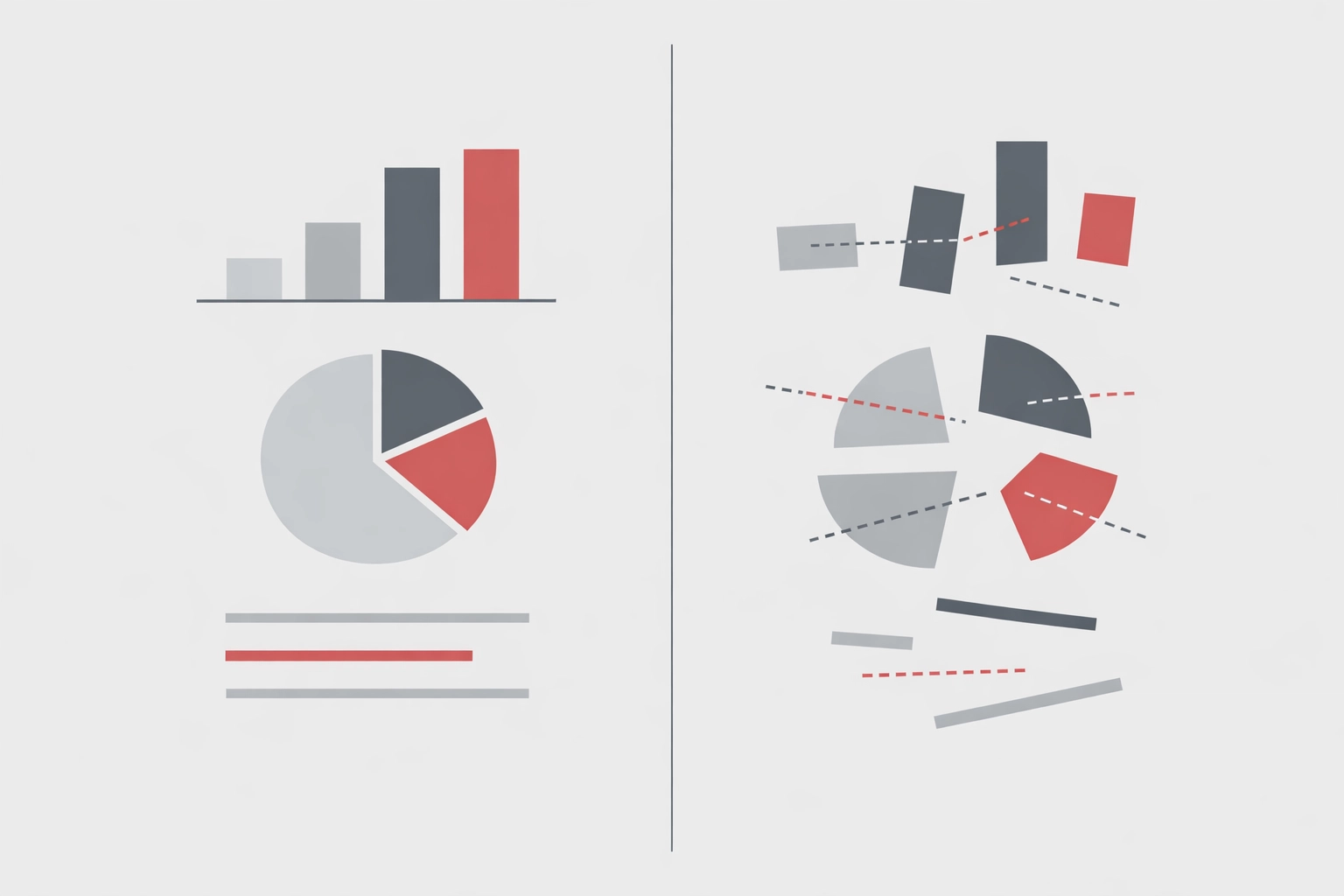
Despite the real-time promise, users report frequent issues with invoice line items not syncing correctly. One of the most frustrating problems? When a tech performs multiple repairs on a single job, FieldEdge sometimes lumps all line items into one total in QuickBooks. Your accounting team sees "$850" instead of "$250 for repair A, $400 for repair B, $200 for parts."
That breaks job costing. It breaks profitability tracking. And it creates a mess during tax season.
Data Migration Is a Gamble
If you're switching from QuickBooks Online to FieldEdge, prepare for headaches. Multiple users report that cost information for inventory items fails to transfer, while sales prices come through fine. You'll spend days manually re-entering cost data: which defeats the entire purpose of an automated sync.
The Sync Tool Must Stay Running
Here's a detail FieldEdge doesn't advertise loudly: the sync tool must remain continuously running on a desktop to maintain data transfer. Shut down your office computer for the weekend? Synchronization stops. Restart your machine after an update? You might lose data.
For business process automation consulting purposes, this is a red flag. True automation shouldn't require a dedicated machine to stay powered on 24/7.
The Interface Problem
Let's talk about the elephant in the room: FieldEdge looks and feels like software from 2010.
The interface isn't bad, exactly: it's functional. But compared to modern competitors like Housecall Pro or Jobber, it feels clunky. Buttons are smaller. Navigation requires more clicks. The mobile app works, but it's not intuitive.
For older office staff who've been using similar software for years, this isn't a dealbreaker. But if you're trying to recruit younger dispatchers or techs who expect software to feel like smartphone apps, FieldEdge will feel like a step backward.
The dated interface also slows down workflow automation consulting efforts. When we work with service businesses to streamline operations, we often recommend modern tools with better user experience because adoption rates are higher. If your team fights the software, automation fails.
Who Should Actually Use FieldEdge
Despite the criticisms, FieldEdge isn't a bad choice for certain businesses.
FieldEdge is a solid fit if you:
- Run 5-15 trucks and need robust field service management
- Already use QuickBooks Desktop and aren't planning to switch
- Have an experienced office manager who can troubleshoot sync issues
- Prioritize field features (proposals, service agreements) over modern UX
- Need responsive support and don't mind paying premium prices
FieldEdge is NOT a good fit if you:
- Expect plug-and-play QuickBooks integration without manual oversight
- Want modern, intuitive software that feels like a smartphone app
- Plan to migrate from QuickBooks Online (data transfer is painful)
- Have a lean office team that can't afford to babysit software issues
- Need true workflow automation consulting that doesn't require constant desktop uptime

The Verdict: Dethroned but Still Competitive
FieldEdge may have been the king of QuickBooks integration in 1999, but the crown has loosened. Competitors like Jobber now claim superior QuickBooks sync with fewer reported issues. ServiceTitan offers enterprise-level integration (at an enterprise price). Even Housecall Pro has closed the gap on real-time sync.
That said, FieldEdge still has strengths. If you're a growing HVAC, plumbing, or electrical contractor who values field service features and doesn't mind managing occasional sync hiccups, it's worth a demo. The revenue-building tools alone could pay for the platform.
But test the QuickBooks sync thoroughly before committing. Run parallel systems for a month. Check that job costing data flows correctly. Make sure your team can tolerate the dated interface.
And if you're building a business process automation consulting strategy for your service company, be honest about whether FieldEdge's sync requirements align with your automation goals. Real automation shouldn't require a dedicated machine running 24/7 just to keep data flowing.
The Bottom Line
You've built a solid service business. Your techs are great. Your customers are loyal. But your back office is held together with spreadsheets and late-night QuickBooks sessions.
Before you sign a multi-year contract with FieldEdge based on their integration reputation, get a clear picture of what "integration" actually means. Does it save your office manager 15 hours a week? Or does it create 5 hours of troubleshooting?
If you need help evaluating field service software or building a real workflow automation consulting strategy for your business, Sentric Group works with home service companies to map current operations, identify bottlenecks, and implement systems that actually stick. We don't sell software: we help you choose and implement the right tools for your specific workflow.
Sometimes the "king" isn't the right fit. Sometimes the best tool is the one your team will actually use.
Sentric Group
Business Operations / Systems Consulting
sentricgrp.com