
You've got six trucks on the road, a receptionist who's drowning in callback requests, and techs who keep asking "what's the address for the next job?" over text message. The dispatch board is a mess of sticky notes, and your QuickBooks file is three weeks behind because no one has time to manually enter job data.
FieldPulse was built for exactly this moment: when you're past the "one-guy-in-a-truck" phase but not ready to drop $30K on ServiceTitan. It's a field service management platform designed with one core belief: your techs shouldn't need a training manual to use your software.
Let's break down what FieldPulse actually delivers, where it shines, and where it falls short as your team scales.
Mobile-First Means Your Techs Actually Use It
Most FSM platforms claim they're "mobile-friendly." FieldPulse is different: it was designed for the field first, office second. The iOS and Android apps aren't afterthoughts; they're the primary interface your team will interact with.
Techs can clock in, check the day's schedule, update job statuses, capture photos, collect payments, and send invoices: all from their phone. No laptop required. No "I'll update it when I get back to the shop" excuses.
The offline functionality is where this matters most. If your crew is working in basements, rural areas, or any place with spotty cell service, job updates still sync automatically once they're back online. No duplicate entries. No lost data.

This mobile-first architecture reduces the friction that kills software adoption. When techs can actually do their job faster with the tool than without it, they stop resisting and start using it.
Fast Setup That Doesn't Require a Consultant
One of FieldPulse's biggest selling points is setup speed. You're not looking at a six-month implementation timeline with a dedicated project manager. Most teams are up and running in days, not quarters.
The interface is clean and intuitive. Drag-and-drop scheduling, preset pricing templates, and straightforward customer management mean you're not buried in configuration menus trying to figure out "workflow automations" or "custom field mappings."
For growing teams, this matters more than it sounds. You don't have the bandwidth to become a software administrator. You need something that works out of the box, with minimal customization headaches.
The onboarding process includes training resources and responsive support: users consistently mention that when they do hit a snag, FieldPulse's team actually responds quickly and solves problems rather than pointing to knowledge base articles.
The Dispatch and Scheduling Engine
FieldPulse's scheduling interface is built around a visual calendar that shows job assignments, technician availability, and real-time status updates. You can drag jobs between techs, see conflicts before they happen, and optimize routes based on location and skillset.
The GPS tracking integration gives you live visibility into where your trucks are, estimated arrival times, and whether anyone's running behind schedule. This isn't just about micromanaging: it's about being able to give customers accurate updates without playing phone tag with your crew.
Automated route optimization helps reduce drive time and fuel costs. The system suggests the most efficient sequence based on job locations, which matters when you're running 15+ service calls a day across a metro area.

For dispatch-heavy operations: think garage door repair, locksmith services, or emergency HVAC calls: this level of real-time coordination prevents the chaos of double-bookings and missed appointments.
Quoting, Invoicing, and Payment Collection
FieldPulse includes flat-rate pricebooks that let you build quotes quickly without doing math on your phone. Techs can pull up preset pricing, customize it on the fly if needed, and send professional-looking quotes directly from the job site.
Once the customer approves, converting that quote to an invoice takes one tap. Customers can pay via credit card, ACH, or integrated payment processors like Square. No more "I'll mail you a check" delays that stretch your cash flow thin.
The invoicing system integrates with QuickBooks, so your financial data flows automatically instead of requiring manual reconciliation every week. For teams that have been drowning in admin work, this alone saves hours.
CRM and Customer Management
The built-in CRM keeps all customer information, job history, notes, and communication in one centralized hub. When a repeat customer calls, your team can instantly see past service records, equipment details, and any ongoing issues.
This level of continuity improves service quality and builds trust. Customers notice when you remember their property details or reference the repair you did six months ago. It feels personal, even as you scale.
The platform also supports customer portals where clients can view invoices, approve quotes, and request service online. This self-service functionality reduces phone volume and gives customers the convenience they expect in 2026.
Analytics and KPI Tracking
FieldPulse offers over 60 prebuilt reports covering everything from job completion rates to revenue per technician. The analytics dashboard provides real-time visibility into business metrics that actually matter: response times, callback rates, invoice aging, and profitability by service type.
For teams working with dashboard consulting services or trying to implement KPI dashboard consulting recommendations, FieldPulse's reporting structure is straightforward enough to act on without requiring a data analyst on staff.
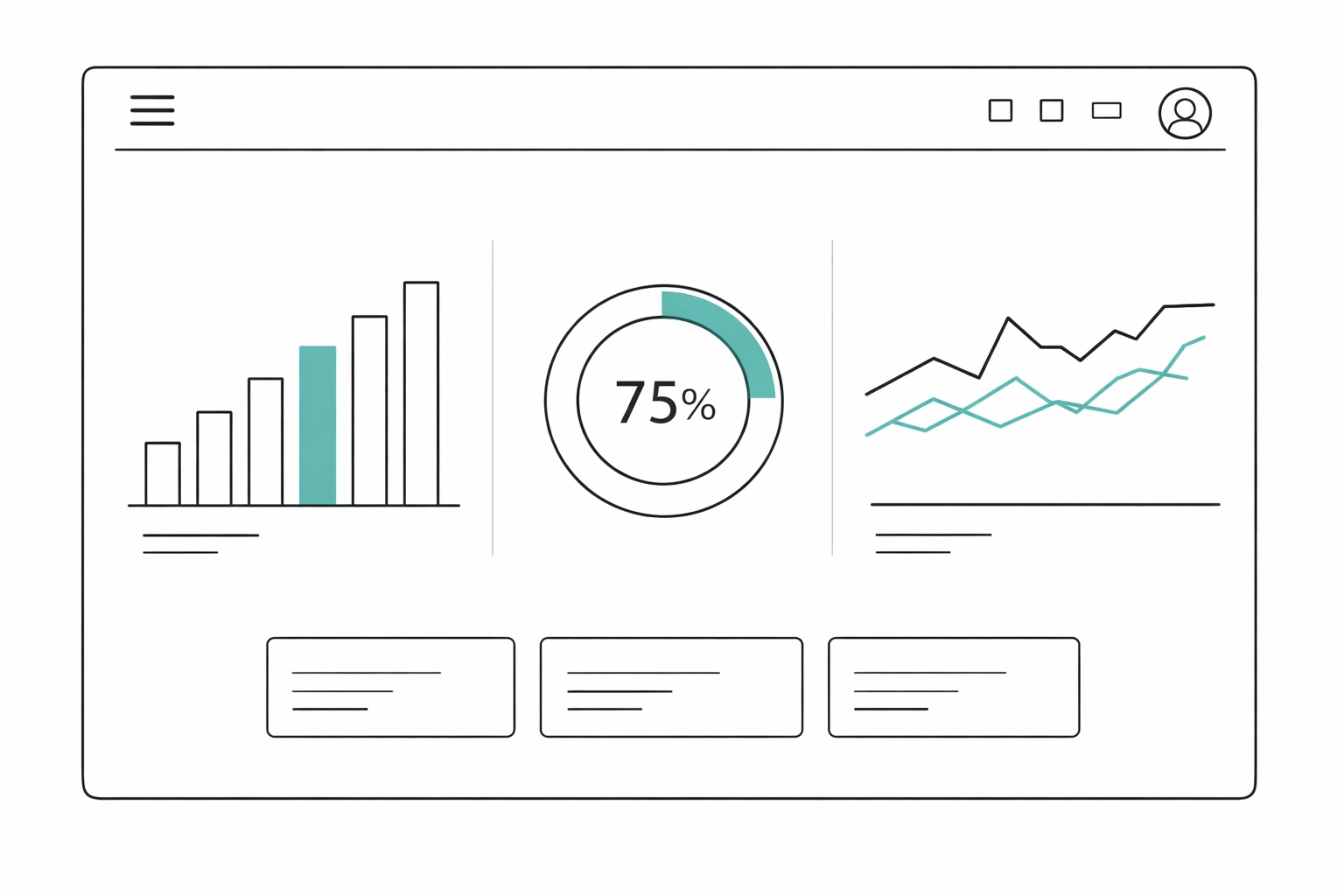
You can identify which techs are consistently efficient, which service types have the highest margins, and where operational bottlenecks are costing you money. This data-driven visibility helps growing teams make smarter decisions about hiring, pricing, and process improvements.
Where FieldPulse Falls Short
No platform is perfect, and FieldPulse has clear limitations as you scale into enterprise territory.
Warehouse and Inventory Management: If you're running a large parts inventory, managing stock across multiple vehicles, or need sophisticated purchase order tracking, FieldPulse's inventory features are basic. It's fine for tracking common parts and materials, but it's not built for complex warehouse operations.
Customization Depth: The trade-off for ease of use is limited customization. You can't build complex workflow automations, create highly customized reports, or modify the system's core behavior. For teams with unique operational requirements, this can feel restrictive.
Integration Ecosystem: While FieldPulse connects with QuickBooks, Square, Zapier, and a handful of other tools, the integration library is smaller than what you'd find with ServiceTitan or Salesforce Field Service. If your tech stack is complex, you might hit walls.
Occasional Glitches: Users report intermittent bugs: syncing delays, mobile app crashes, or features that don't work as expected. FieldPulse's team is responsive about fixing issues, but it's not as bulletproof as more mature platforms.
The Pro/Con Breakdown
Pros:
- Intuitive mobile experience that techs actually use
- Fast setup without needing consultants
- Strong scheduling and dispatch functionality
- Automated invoicing with QuickBooks integration
- Real-time GPS tracking and route optimization
- Responsive customer support
- Affordable pricing for small to mid-sized teams
Cons:
- Basic inventory and warehouse management
- Limited customization options
- Smaller integration ecosystem
- Occasional software bugs and glitches
- Not built for enterprise-scale operations
Who Should Use FieldPulse?
FieldPulse is ideal for service companies with 5–30 field employees who need to professionalize operations without the complexity of enterprise software. If you're still using spreadsheets and paper job tickets, this is the logical next step.
It works particularly well for dispatch-heavy businesses: HVAC, plumbing, electrical, garage doors, locksmiths: where speed and mobile access matter more than deep customization.
If you're running complex project management, managing large inventory across multiple warehouses, or need highly customized workflows, you'll likely outgrow FieldPulse and need something more robust.
The Bottom Line
FieldPulse delivers on its core promise: mobile-first efficiency for growing teams. It removes the operational friction that bogs down small service companies trying to scale past the "founder does everything" stage.
The platform won't solve every operational challenge, and it's not designed for enterprise complexity. But for teams who need to get techs out of the office, reduce admin overhead, and start making data-driven decisions, it's a solid middle-ground option.
You're growing. Your systems should keep up without requiring a full-time administrator to manage them. FieldPulse understands that reality better than most.
Ready to map your operational gaps before committing to new software? Sentric Group helps service companies audit their current systems, identify bottlenecks, and build the right tech stack for sustainable growth. Learn more about our systems audit process.