
Service Fusion markets itself with a compelling hook: unlimited users across all pricing tiers. For growing home service companies tired of watching per-seat costs balloon every time they hire another tech or CSR, that sounds like a dream. But the reality is messier than the marketing pitch suggests.
After digging into Service Fusion's actual pricing structure, user feedback, and feature set, here's what you need to know before committing to this platform: especially if you're running a mid-sized HVAC, plumbing, or electrical company that's outgrowing spreadsheets but not ready for enterprise-level complexity.
The Unlimited Users Promise: What It Actually Means
Service Fusion's unlimited user model is straightforward on paper. Whether you're on the Starter plan ($208-$245/month), Plus ($325-$382/month), or Pro ($533-$627/month), you don't pay more as you add dispatchers, office staff, or field technicians to the system. The pricing depends on whether you pay monthly or commit to annual billing, but the user count doesn't factor in.

For companies scaling from 5 technicians to 15, this pricing structure eliminates a major growth tax that platforms like ServiceTitan impose. You're not penalized for hiring. You're not calculating ROI on whether adding another dispatcher justifies another $50/month seat. You just add them and move on.
But here's where the "unlimited" promise starts to crack: the base pricing only covers core FSM functionality. Everything else: GPS fleet tracking, advanced reporting, call tracking integrations: comes as a paid add-on. And those add-ons aren't cheap.
The Hidden Cost Structure Nobody Talks About
Service Fusion's add-on model can quietly inflate your monthly spend by 25-30% beyond the advertised base price. GPS fleet tracking, which most service companies consider essential for dispatch efficiency and accountability, costs $25-40 per vehicle per month. ServiceCall.ai for inbound call tracking requires custom pricing (which usually means "expensive").
Let's run a real-world scenario: you're a 5-technician plumbing company with 3 service vehicles. You sign up for the Plus plan at $325/month (annual billing) and add GPS tracking for all three trucks at $30/vehicle. Your actual monthly cost is $415, not $325. Over a year, that's $4,980 instead of the $3,900 you budgeted. That 27% cost increase matters when you're managing cash flow quarter by quarter.
This isn't unique to Service Fusion: most FSM platforms nickel-and-dime you with add-ons: but the gap between "unlimited users!" marketing and "here's your real bill" reality feels wider here than with competitors like Jobber or Housecall Pro, which bundle more core features into their base tiers.
The Mobile App Problem: Feature-Rich But Buggy
Service Fusion packs an impressive feature set into its mobile app. Technicians can access job histories, update work orders, process payments, and generate invoices from the field. The visual proposal builder is solid, and the digital signature capture works reliably. On paper, it checks every box.

The problem? Consistent reports of app instability, especially on Android devices. Users report sync delays between the mobile app and the desktop system, which creates gaps in real-time job status updates. Techs mark jobs complete in the field, but dispatchers don't see the update for 10-15 minutes. Invoices generated on mobile sometimes fail to push through, requiring manual resubmission.
For a company running 10+ service calls per day, those delays compound fast. A dispatcher working blind for 15 minutes can double-book a tech or miss an urgent callback window. A failed invoice means your tech has to follow up later: or worse, you eat the processing time chasing down the customer after the fact.
Service Fusion has acknowledged these issues in support forums and released multiple patches, but user feedback suggests the mobile experience still lags behind competitors like FieldEdge or Jobber, where mobile-first design creates tighter sync reliability.
Where Service Fusion Actually Shines
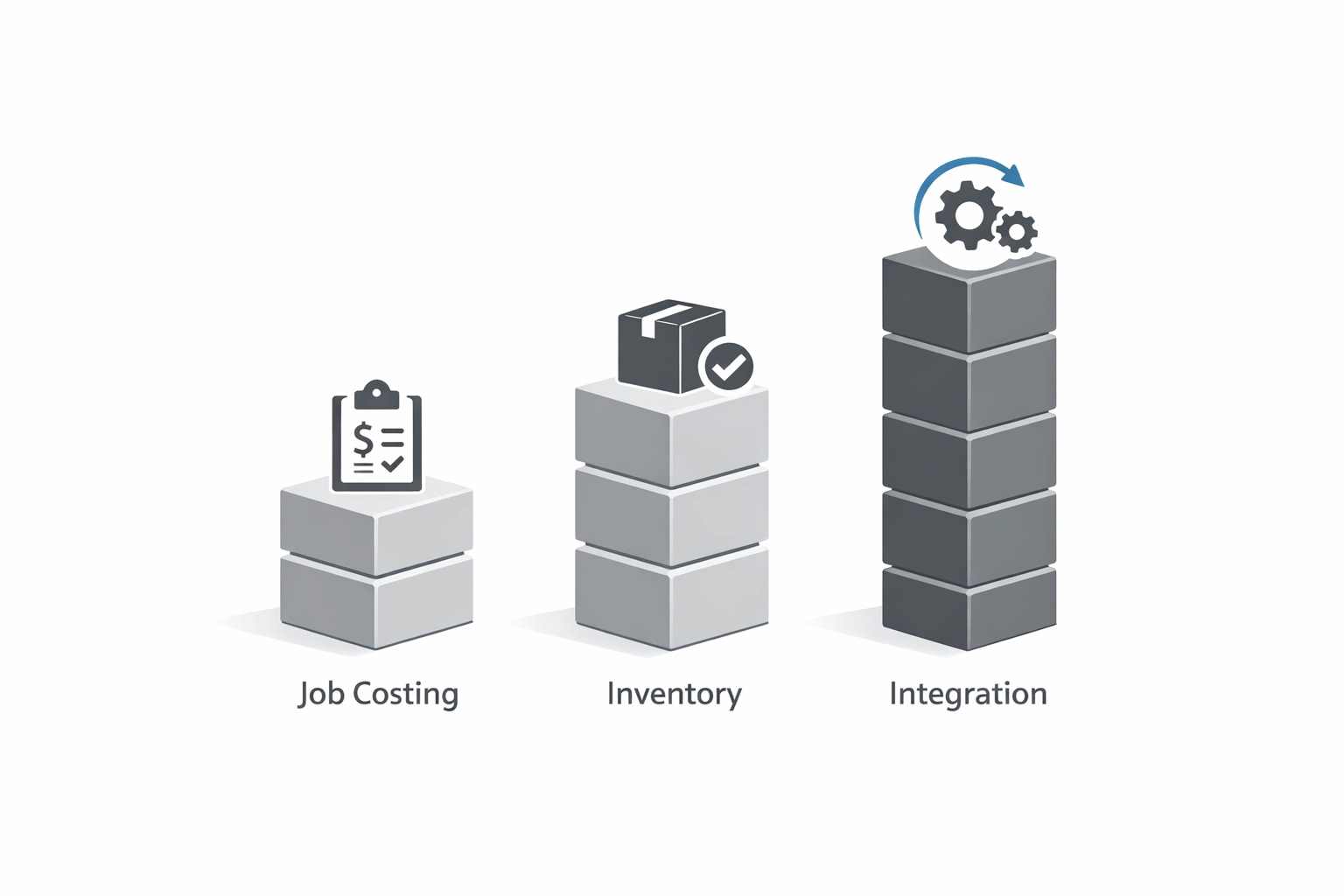
Despite the mobile hiccups and add-on pricing, Service Fusion delivers strong value in three specific areas: job costing, inventory management, and QuickBooks integration.
The job costing module tracks labor, materials, and overhead at a granular level, giving you clear visibility into which service lines are profitable and which are bleeding margin. For companies running both service calls and project work (think HVAC companies doing both maintenance and full system replacements), this level of cost tracking is crucial.
Inventory management is equally robust. Service Fusion tracks parts across multiple warehouse locations, integrates with wholesaler catalogs, and automates reorder alerts. If you're tired of techs showing up to jobs without the right parts: or discovering you're sitting on $15,000 in dead stock: this feature alone can justify the platform cost.
The QuickBooks sync is fast and reliable, which matters more than most operators realize until they've wasted 10 hours per month reconciling invoices manually. Service Fusion pushes invoices, payments, and job costs into QuickBooks cleanly, reducing accounting headaches and keeping your books current.

Who Should Actually Use Service Fusion
Service Fusion makes sense for a specific type of company: mid-sized operations (10-25 technicians) running both service calls and project-based work, with an office manager who has time to configure the system properly and troubleshoot mobile app issues when they arise.
If you're a 3-person operation just trying to get off paper invoices, Service Fusion is overkill. Jobber or Housecall Pro will give you 80% of the functionality at half the cost and twice the ease of use.
If you're a 50+ tech enterprise needing bulletproof mobile reliability and willing to pay for it, you're probably better off with ServiceTitan or FieldEdge despite the higher per-seat costs, because their mobile infrastructure is more stable.
But if you're in that growth zone: past the "simple tools" stage but not ready for enterprise pricing: and you have someone on staff who can manage the system (not just use it), Service Fusion's unlimited user model and strong job costing features deliver real value, bugs and all.
The Systems Consulting Angle: Software Doesn't Fix Broken Processes
Here's the hard truth most software vendors won't tell you: no FSM platform: Service Fusion included: will fix operational chaos if your underlying processes are broken.
If your dispatching workflow is a mess, Service Fusion will just digitize the mess faster. If your technicians don't follow consistent job completion procedures, the mobile app won't magically enforce compliance. If your pricing model is inconsistent, better job costing tools will just highlight the problem more clearly.
This is where operations consulting for small business becomes essential. Before you commit $5,000-$7,000 annually to any FSM platform, you need to map your current workflows, identify bottlenecks, and design standardized processes that the software can actually support. That's the foundation that makes technology investments pay off.
Similarly, SOP creation services turn software features into actual operational improvements. Service Fusion's inventory management is powerful: but only if you've documented who's responsible for tracking stock levels, when reorders get triggered, and how techs requisition parts. Without those SOPs, the feature sits unused while your warehouse manager keeps running things the old way.
At Sentric Group, we help service companies audit their operations, design scalable workflows, and build the documented processes that make platforms like Service Fusion (or any FSM tool) actually work. Software is the accelerator, not the solution.
The Verdict: Feature-Rich, But Know What You're Getting Into
Service Fusion delivers on its unlimited user promise, and the job costing and inventory features are legitimately strong. For mid-sized service companies with complex operations, it's a viable platform that won't penalize you for growing your team.
But the mobile app bugs are real, the add-on costs are substantial, and the system requires an investment in setup and training that many small teams underestimate. If your operation runs heavily on mobile technicians expecting flawless real-time sync, those 15-minute delays will cost you more than you'll save on unlimited users.
Before committing, calculate your true all-in cost (base price + add-ons + implementation time), test the mobile app on your team's actual devices, and make sure you have the operational foundation in place to actually leverage the platform's deeper features.
And if you're not sure whether your processes are ready for any FSM platform? That's the conversation to have first.